
Wedding decor ideas & design tools
Bring your wedding
decor ideas to life.
Have a few ideas you love, but aren’t sure how they’ll all come together? Let’s find your colors, create your mood board and see your wedding or event in your actual venue.
Free to start · No credit card required
A little help bringing it all together
Your ideas. A few easy tools.
So many possibilities.
You don’t need to have it all figured out. Choose the tool that feels right for where you are, and we’ll help you take the next step.
Color Palette Creator
A little blush? A bold burgundy? Explore wedding colors and find a combination you love.
Find My Colors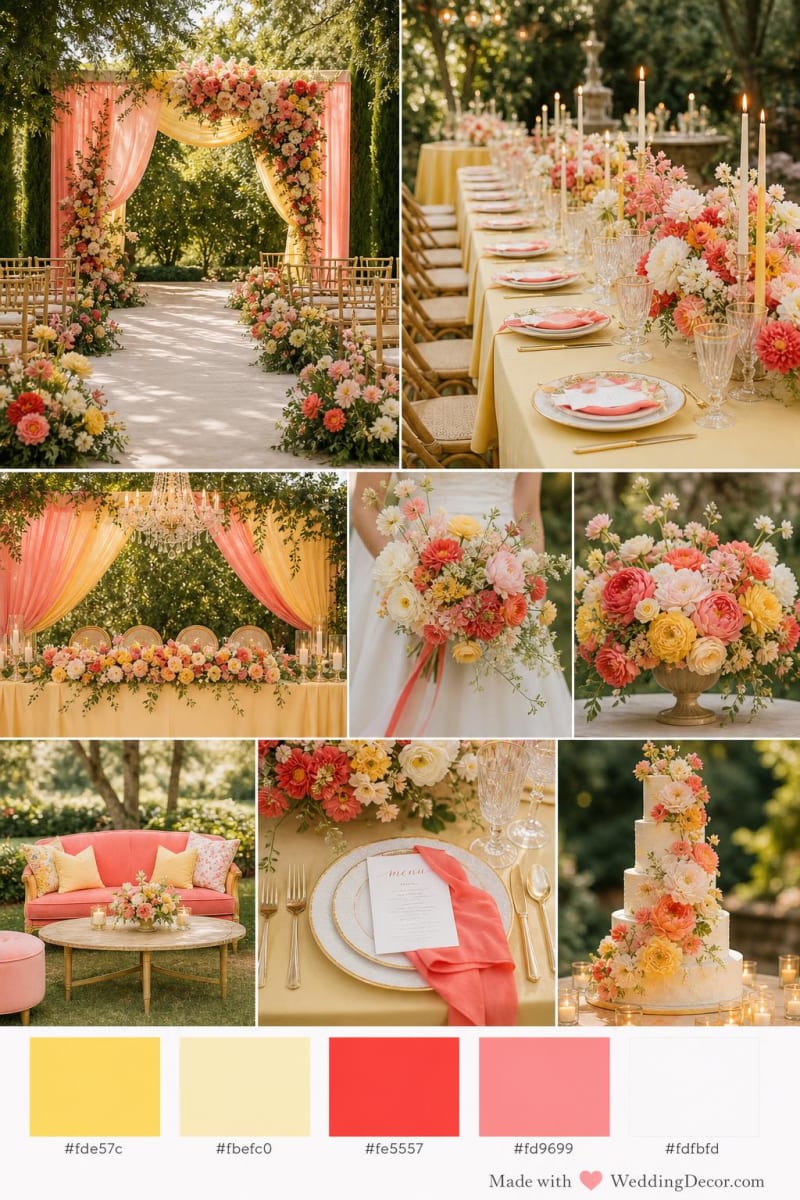
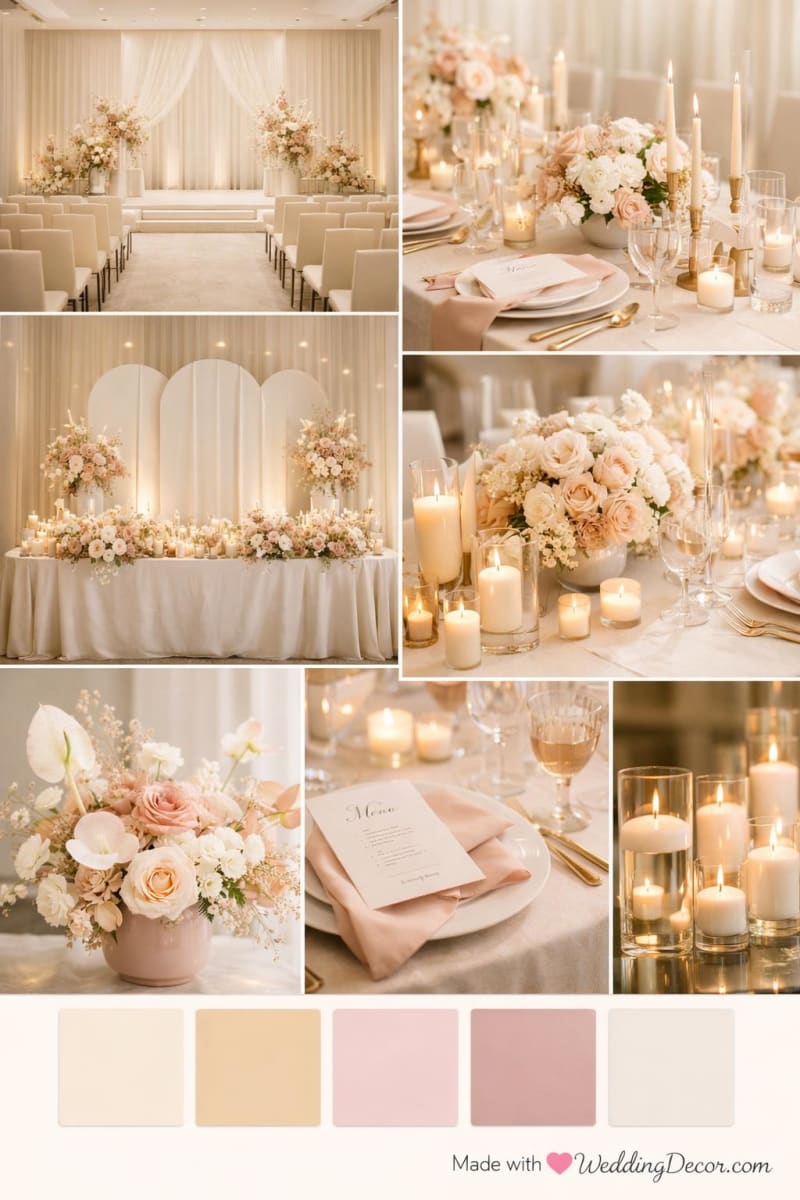
Mood Board Creator
Bring your colors, flowers and favorite details together in a mood board that feels like you.
Create My Mood Board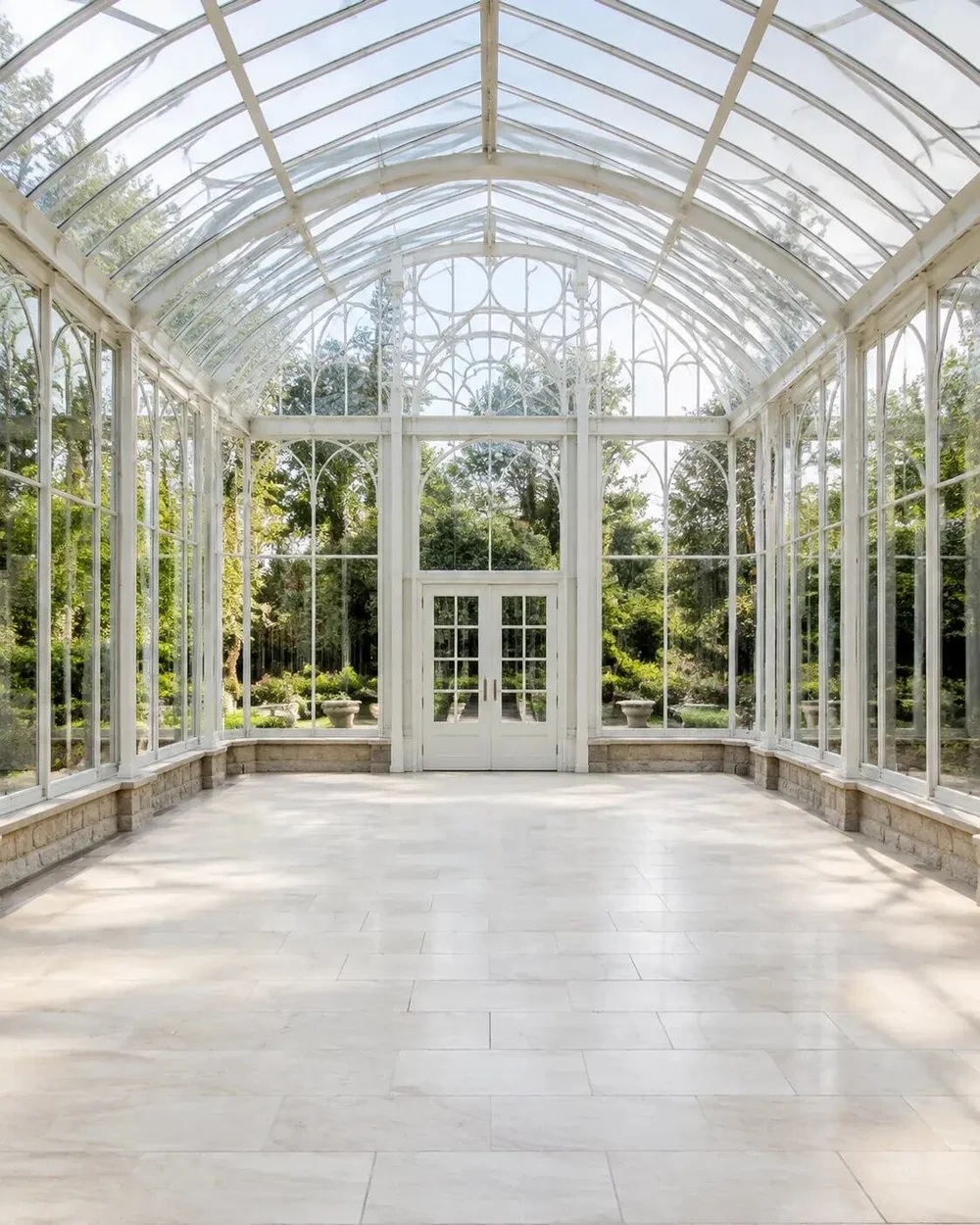
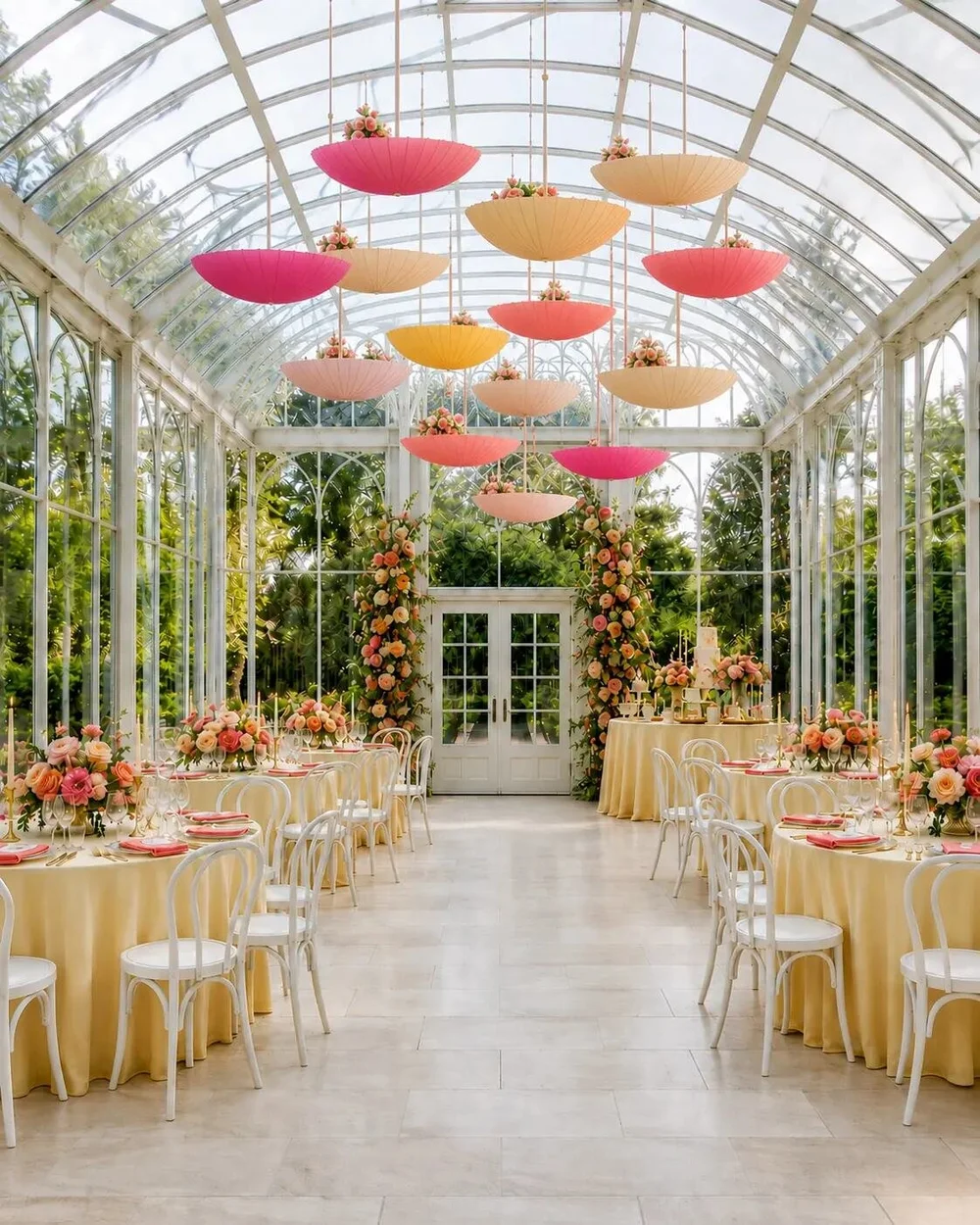
Design Studio
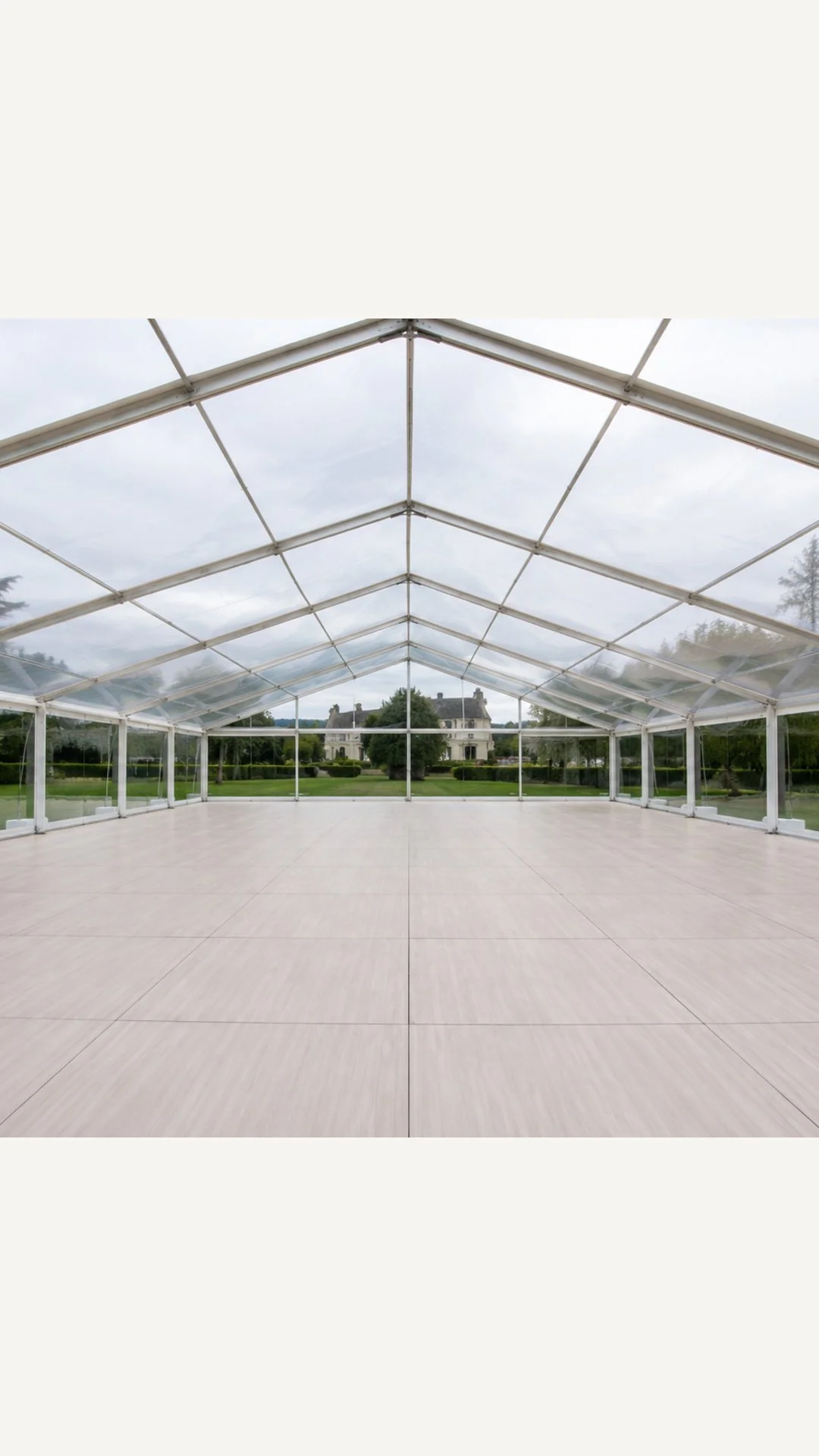
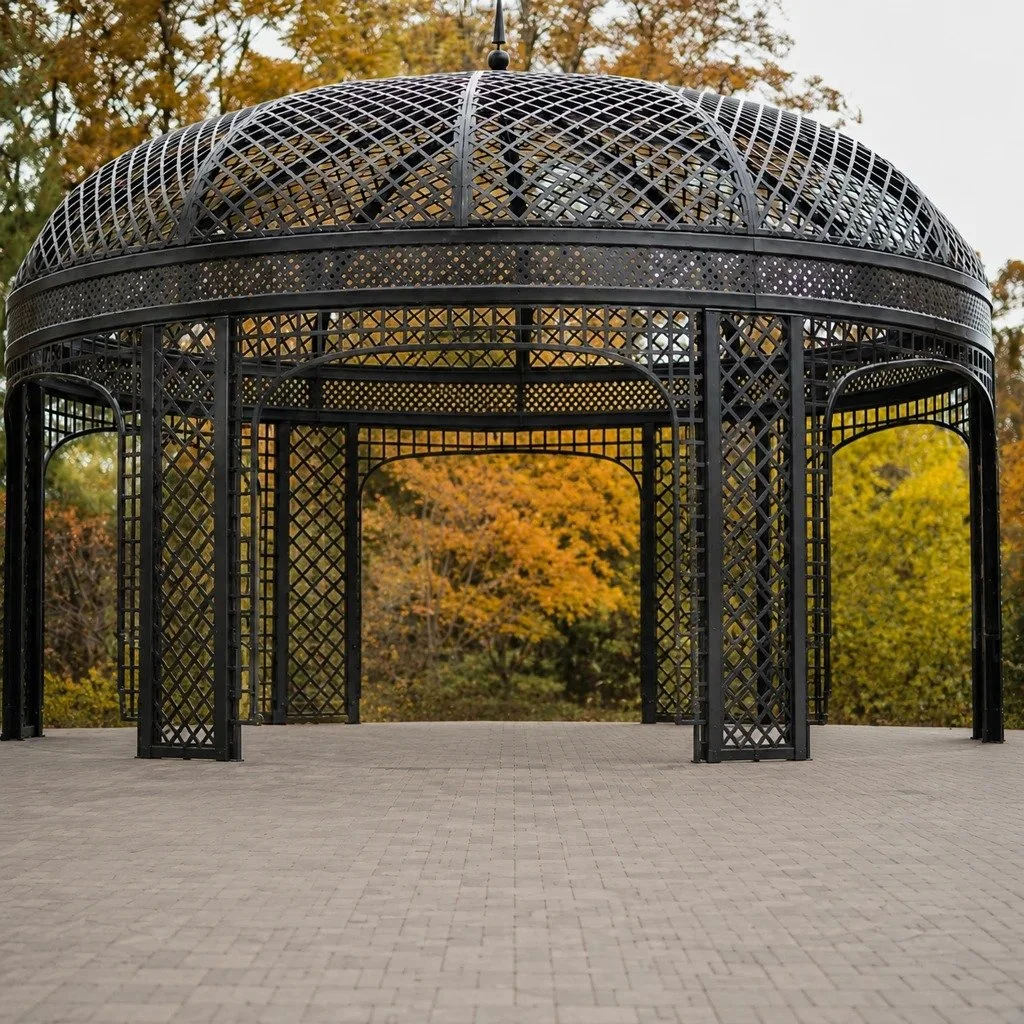
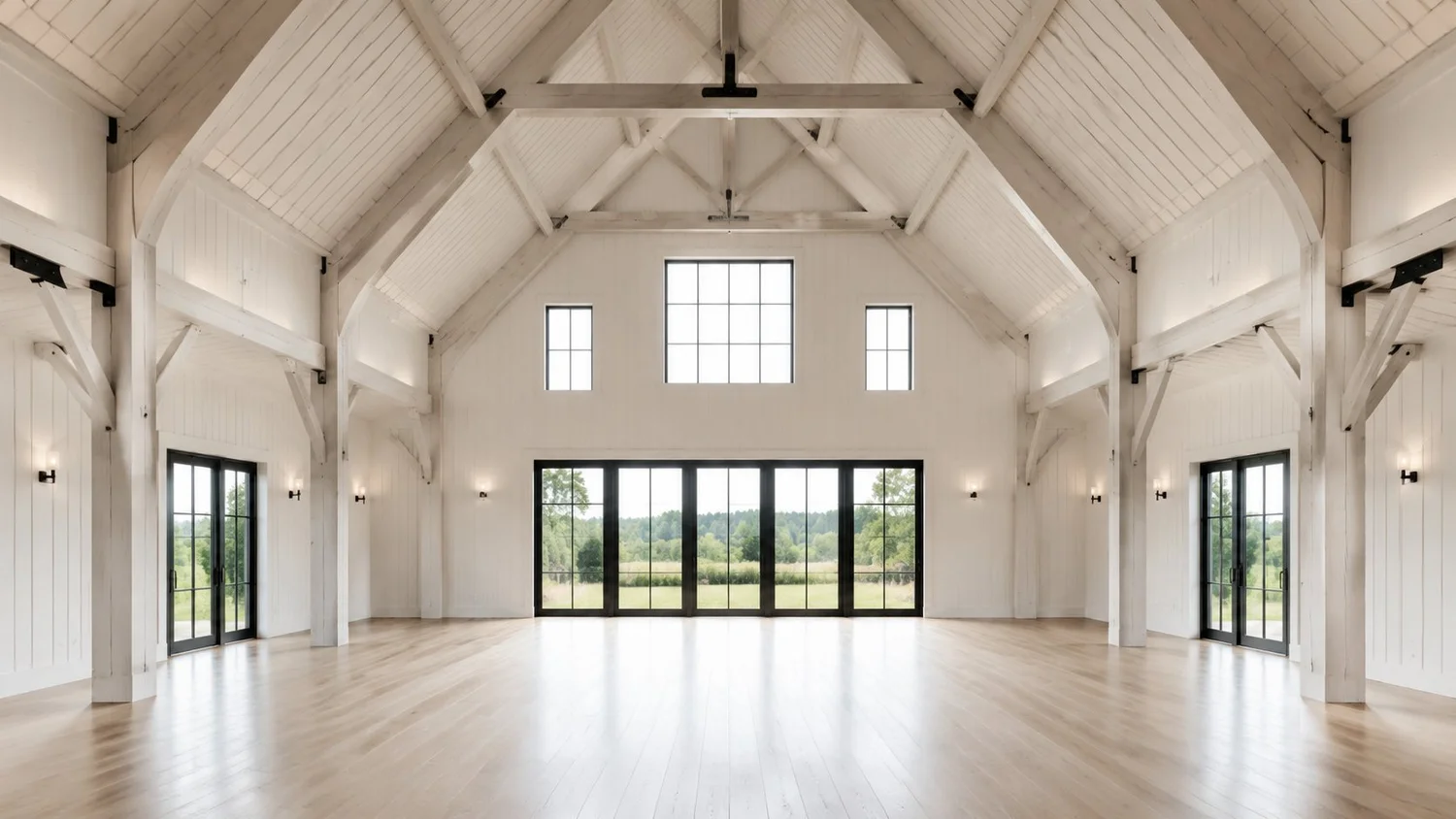
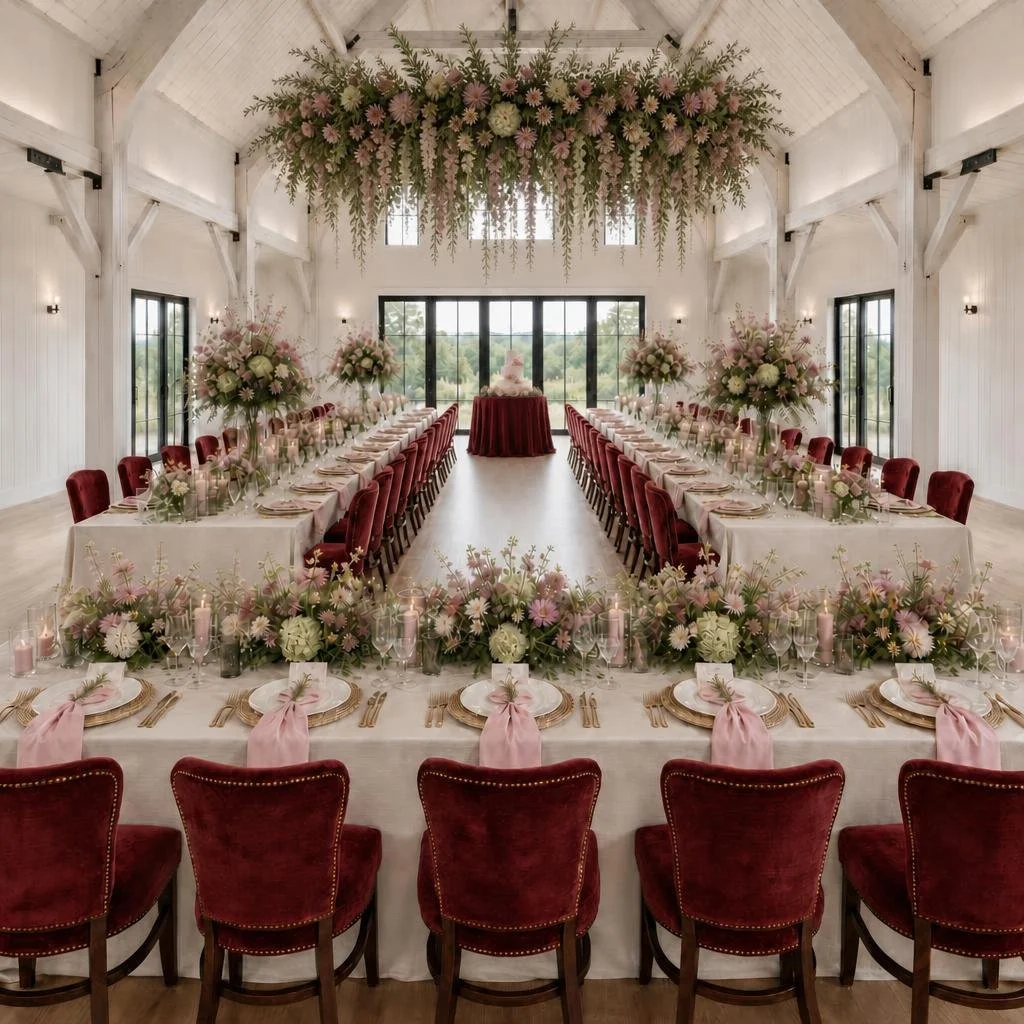
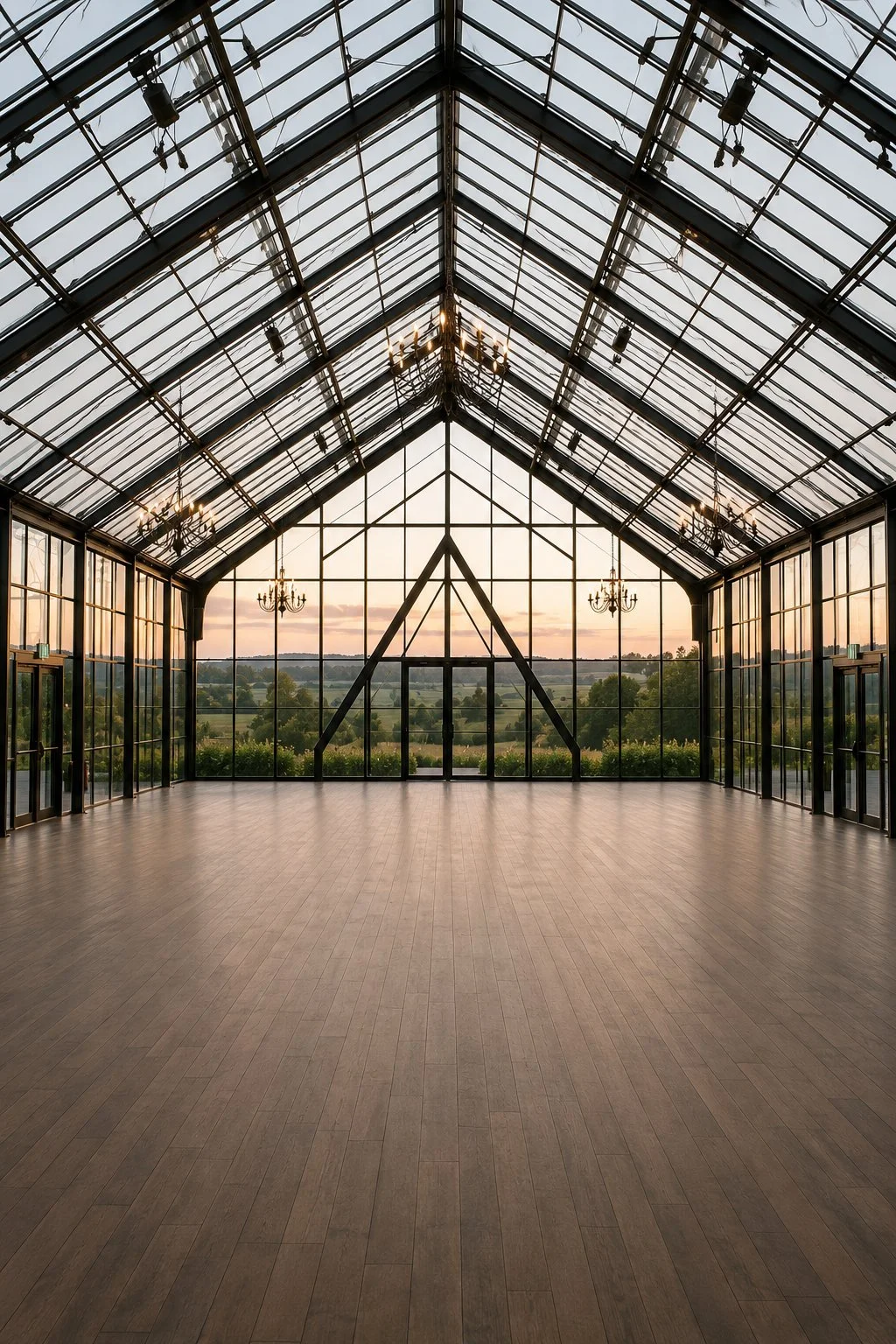
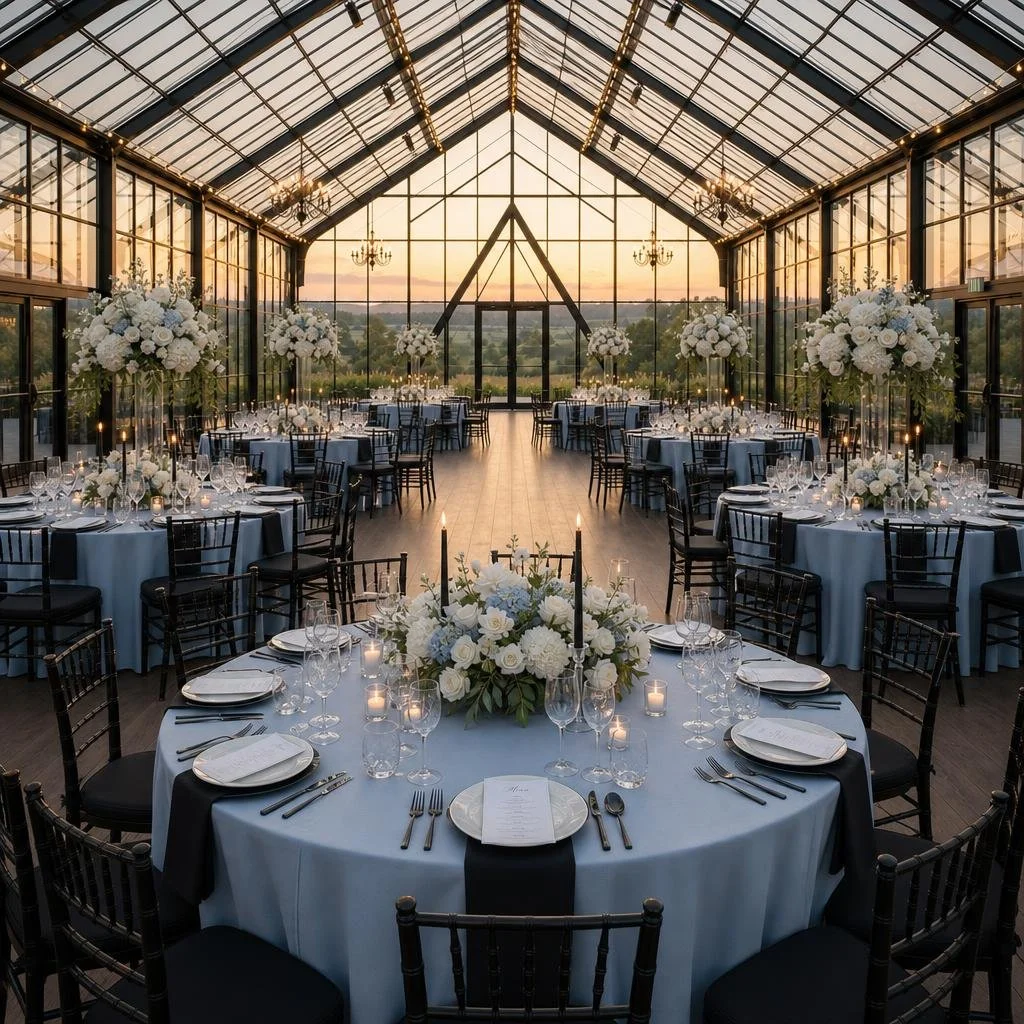
Have your venue photo ready? See how the decor you love could look in your own space.
Explore the Design StudioFree Wedding Color Palette Creator
Start with a color.
Find your combination.
Love a certain shade but not sure what goes with it? Let’s find its perfect company. Browse ready-made palettes by color, style or season, or have fun building your own.
A little inspiration?
Explore curated combinations, from soft and romantic to bold and moody. Find a palette you love and copy the color codes to share.
Have something in mind?
Choose a starting color and generate four companion shades. Adjust each color, give your palette a name and download your own palette card.
Free to use · Browse palettes or build your own
A few palettes from the creator
Dusty Rose and Sage
Dusty Rose · Pale Blush · Sage Green · Ivory · Warm Taupe
Dusty Blue and Ivory
Dusty Blue · Sky Mist · Warm Ivory · Soft White · Silver Sage
Burgundy and Blush
Burgundy · Berry Rose · Blush · Pale Pink · Ivory
Blush and Champagne
Petal Blush · Warm Blush · Champagne · Pearl · Rose Gold
Your colors, ready to save and share.
Your free wedding mood board
Let’s find the look
you keep coming back to.
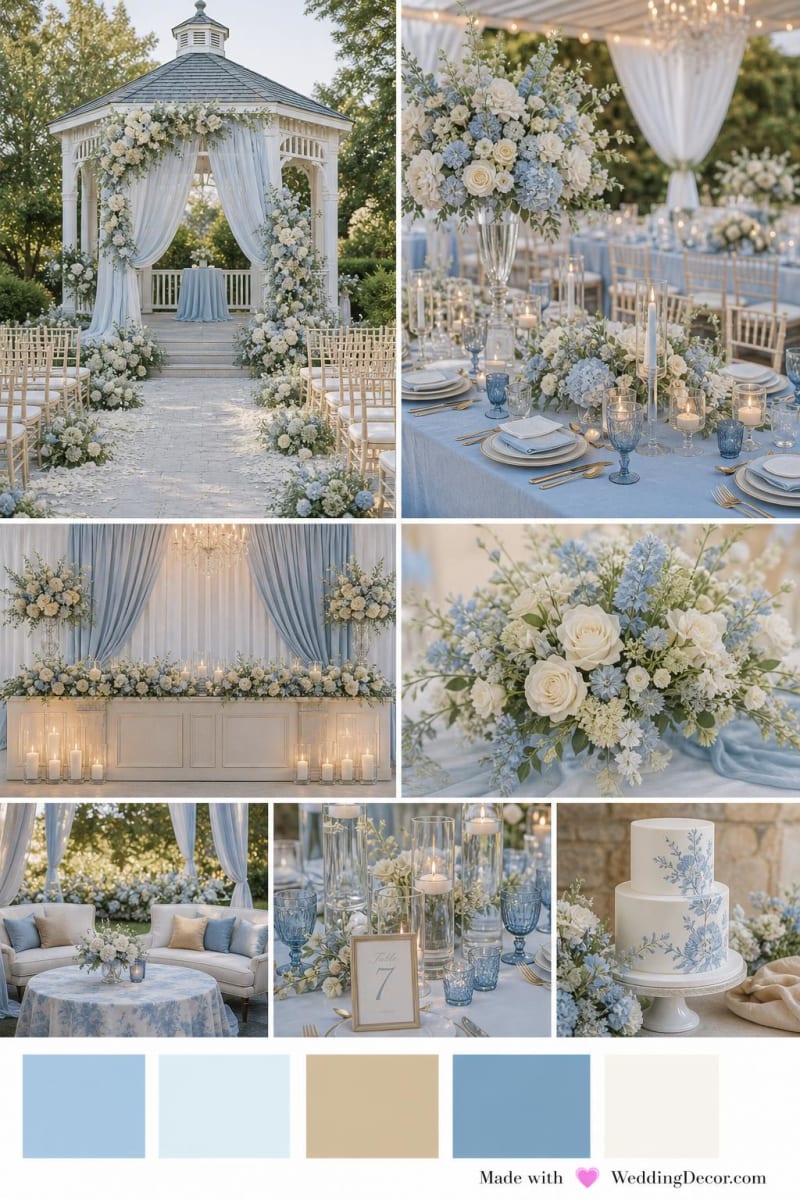
Romantic garden party? Something modern and simple? Choose your style, venue type and colors, and we’ll create a custom mood board you can save and share.
2 free mood boards · No account or credit card required
WeddingDecor.com Design Studio
Love the inspiration.
Now see it in
your actual venue.
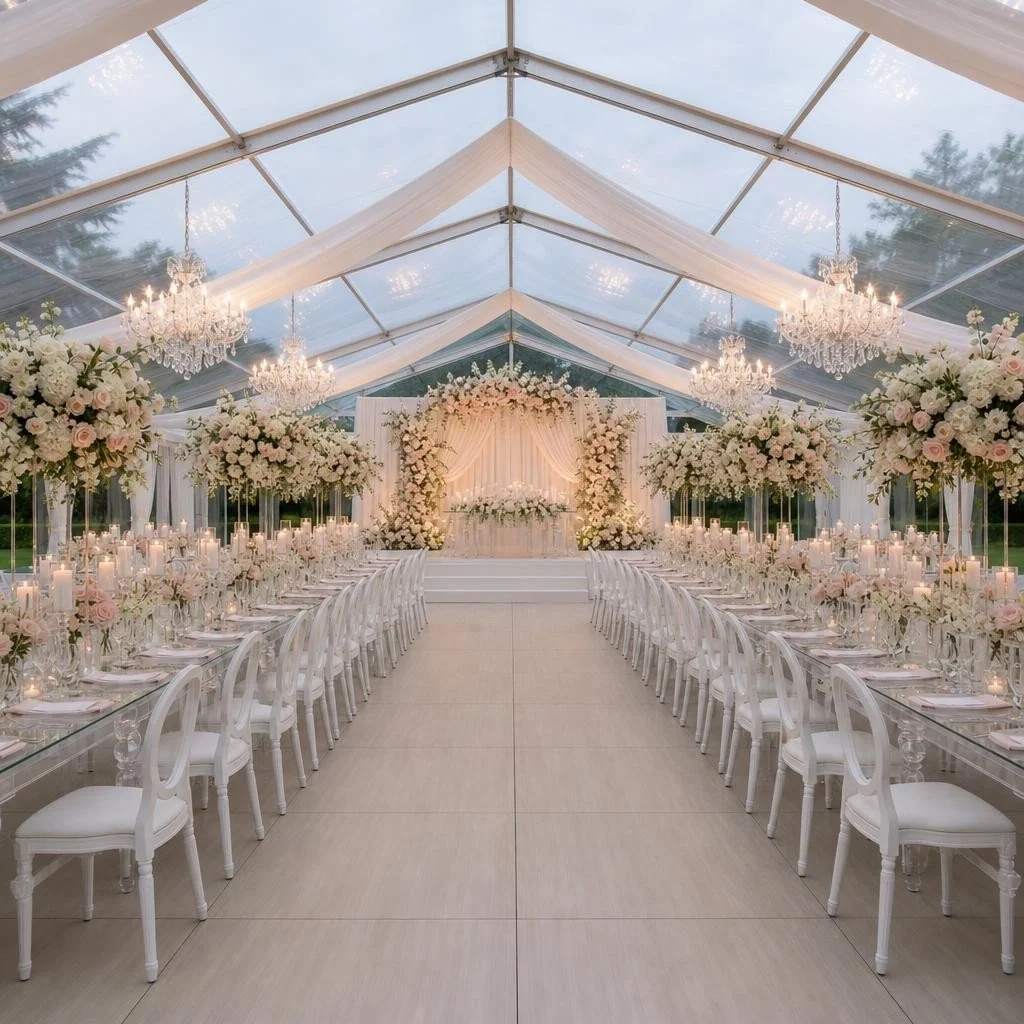
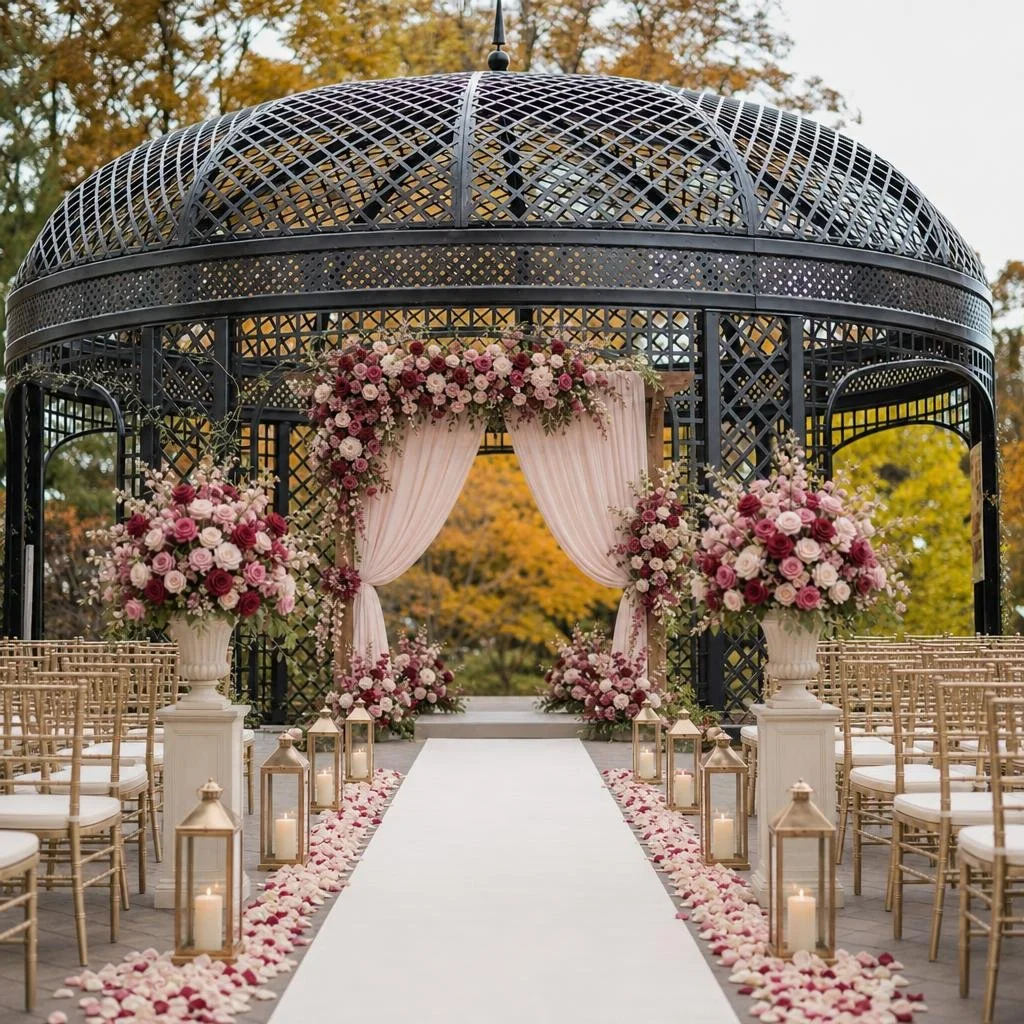
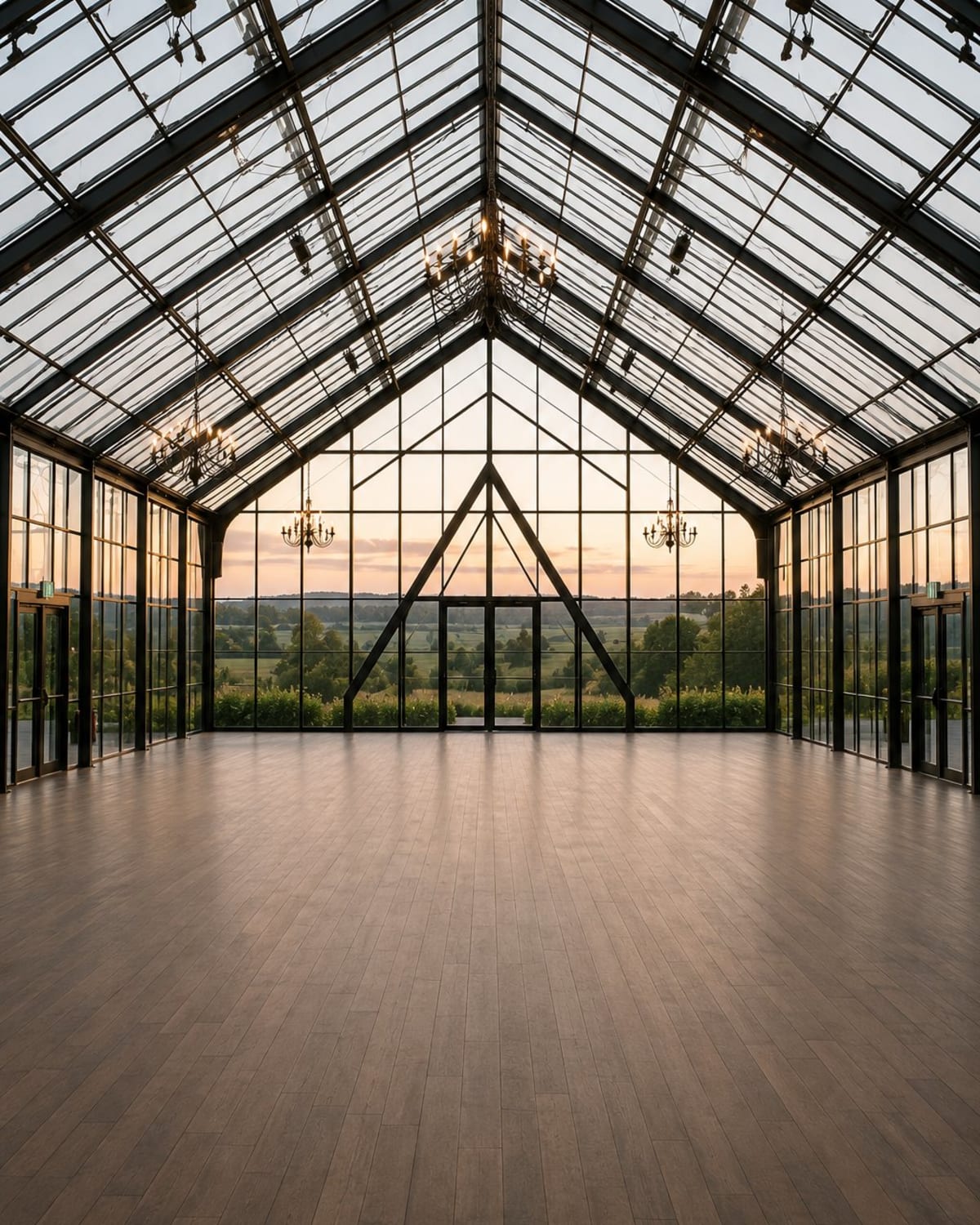
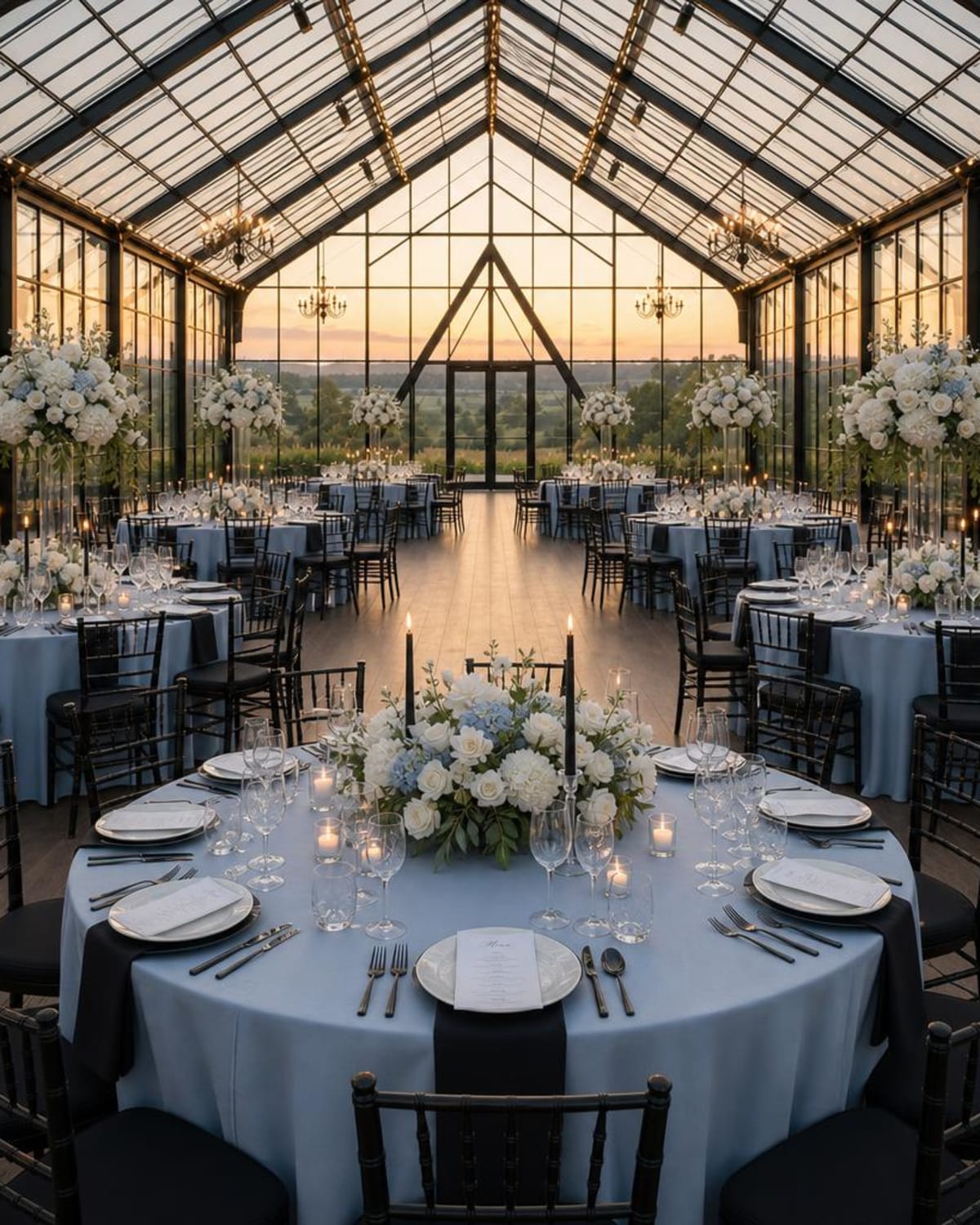
You know those photos you keep saving? Bring them along! Upload your venue photo, add the details and colors you love, and create an AI wedding decor concept you can share with your vendors.
- Your venue photo
- Your inspiration and colors
- A clearer picture of what you love
Your first design is free. Want to keep exploring? Studio Pass is $39 USD for 90 days.
Let’s bring your wedding ideas
to life.
You have so many ideas for your wedding, but picturing how they’ll all come together isn’t always easy. That’s why we created these wedding decor tools to help you explore your colors, gather your favorite details, and see them in your own venue.
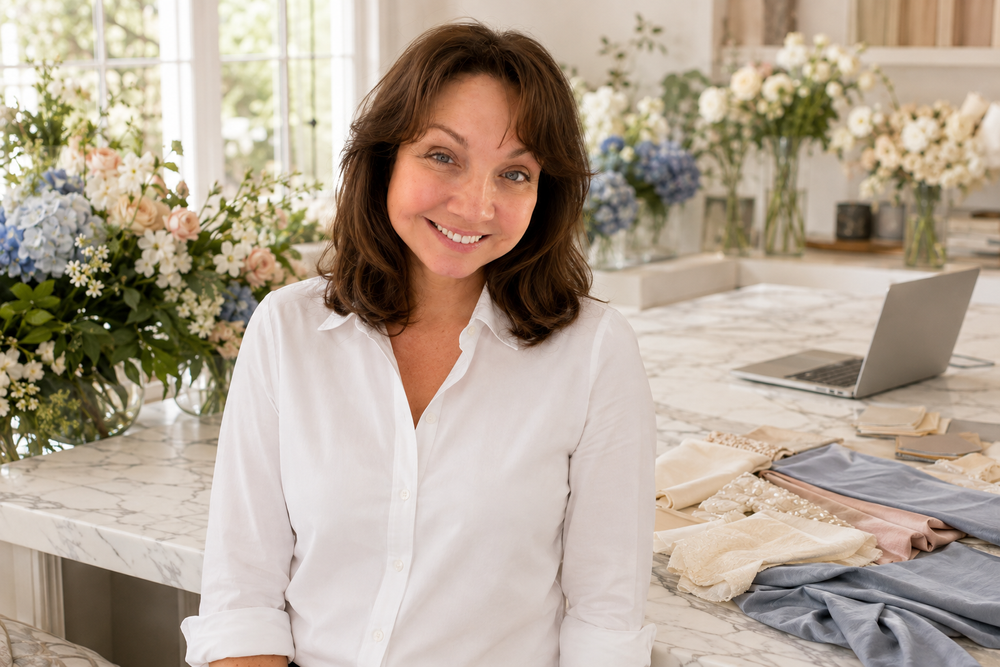
Whether you’re just getting started or deciding on the finishing touches, I’m so glad you’re here.
Jennifer
Founder, WeddingDecor.com
Wedding ideas & helpful reads
A few ideas for your planning.
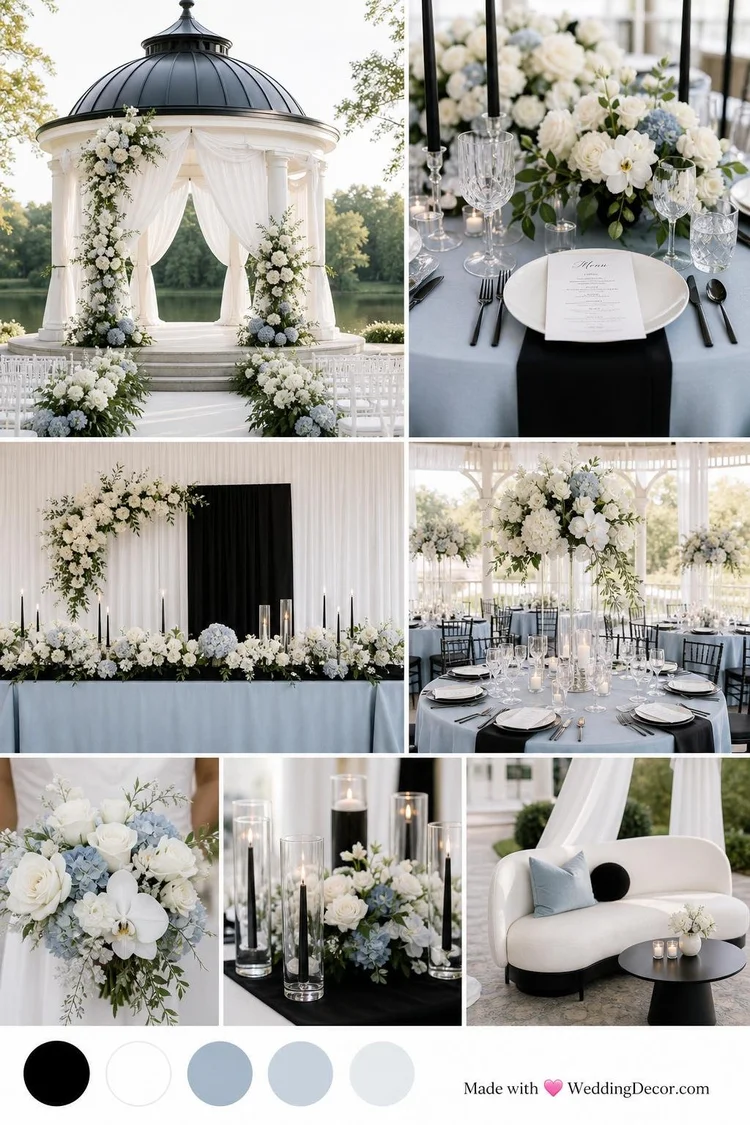
Wedding Color Palettes for 2027
Explore color combinations to help you find the feel you love.
Read the article →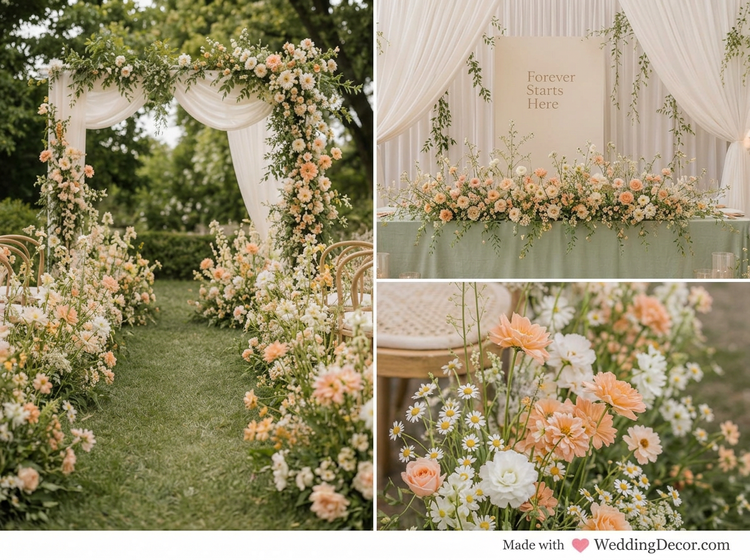
How to Visualize Your Wedding Venue Decor Before the Big Day
See how your favorite colors, flowers and decor could come together in your own venue.
Read the article →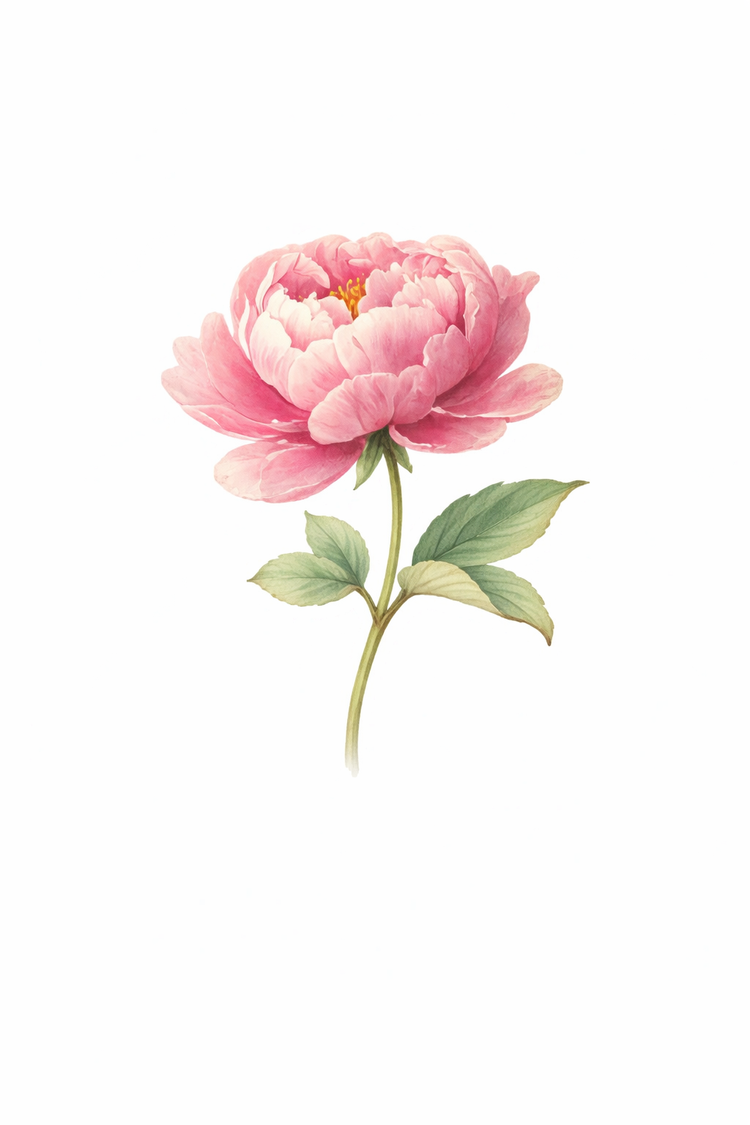
Wedding Flowers by Color
Found your colors? Let’s find some beautiful blooms to go with them.
Read the article →Happy to help
Have a few
questions?
Where should I start?
Start wherever you are! If you’re exploring colors, try the Color Palette Creator. If you want to bring a whole look together, create a mood board. Already have a venue photo? Try the Design Studio to see your ideas in your space.
What can I try for free?
You can explore the Color Palette Creator, create two free mood boards without an account, and create your first venue design free after signing up for the Design Studio. No credit card is required for these free tools.
How is a mood board different from a venue design?
A mood board brings your colors, flowers and decor inspiration together to help you find your style. A venue design takes your ideas into a photo of your actual space, so you can picture how the decor could look there.
Can I use my own venue photo and inspiration?
Yes! In the Design Studio, upload a photo of your venue, add up to two inspiration images, choose your colors and tell us what you have in mind. Your selections guide the AI-generated design.
What is included in Studio Pass?
Studio Pass is $39 USD as a one-time purchase. It includes 90 days of access, 25 venue design credits, 12 inspiration mood boards, premium color tools and a private project dashboard. Each new design or revision uses one credit. See the Studio Pass details.
Can I use the tools for other events or clients?
Absolutely. Explore ideas for bridal showers, rehearsal dinners, engagement parties and other celebrations. Wedding planners, florists and decorators can also use the Design Studio to help clients visualize their ideas.
Can I share my design with my vendors?
Yes. Download your design and use it to talk through ideas with your florist, decorator, planner or venue. It’s an AI-generated visual concept, not a measured plan or a guarantee of exact colors or products. Confirm the layout, measurements, availability and installation details with your vendors.
Have something in mind?
Let’s see it.
Your venue. Your decor. Your vision.